How to Download Instagram Reels With Audio (iPhone, Android, PC)
By the CutThisX team··2 min read
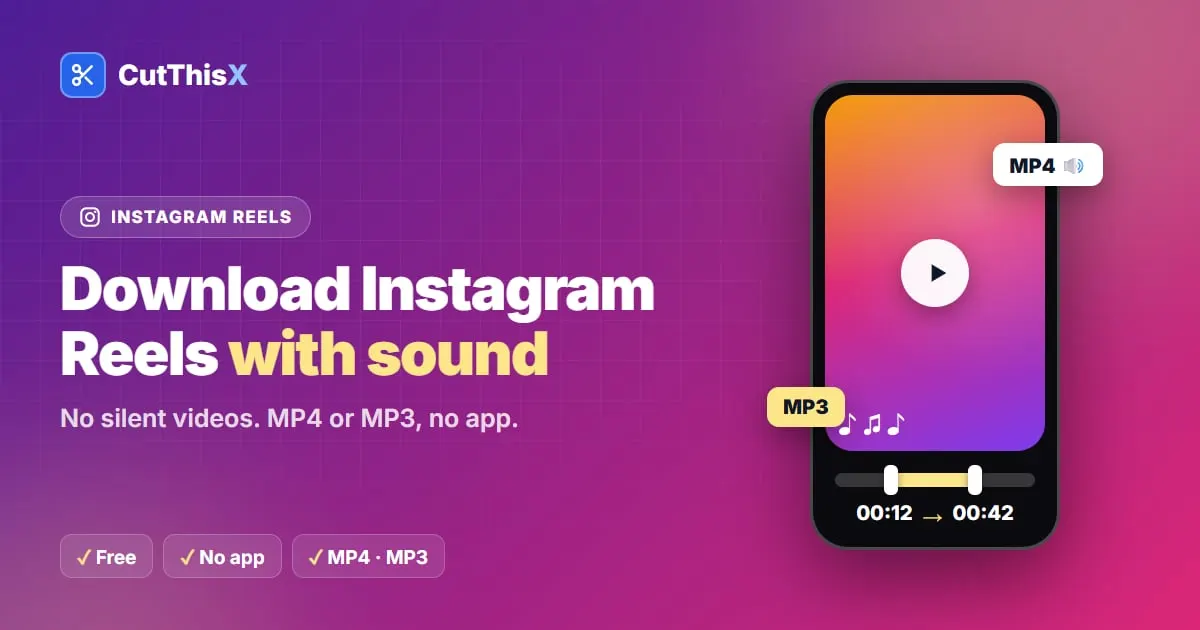
You downloaded a Reel, pressed play, and there is no sound. It happens a lot, and it is not your phone. Here is how to save public Instagram Reels with their audio, and why some downloads come out silent.
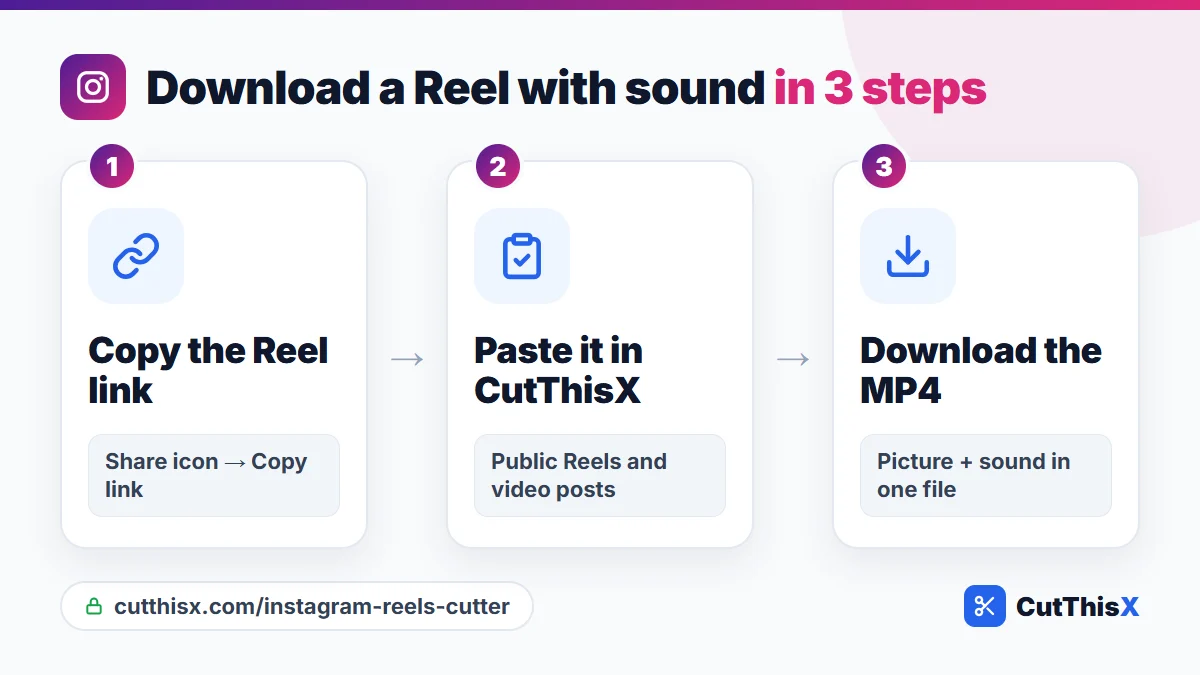
Download a Reel with sound in 3 steps
- In Instagram, tap the share icon (or …) on the Reel, then Copy link.
- Paste it in the Instagram Reels downloader and press Fetch & Trim.
- Download the MP4. Picture and sound are in the same file.
Why some Reel downloads have no sound
For many Reels, Instagram stores the picture and the sound as two separate streams. Tools that grab only the first one give you a silent video. CutThisX takes both and joins them into one MP4, so the Reel plays exactly as it did on Instagram.
What about Instagram's own Download button?
Instagram sometimes shows a Download option in the share menu of public Reels, but:
- the creator can turn it off,
- the file carries an Instagram watermark,
- and Reels that use licensed music may be saved without their music.
Keep only the audio as MP3
Love the song, the voice-over or the recipe explanation? Choose MP3 to save just the sound, at 320 kbps.
Keep only a part
Set a start and an end before downloading to keep only the moment you need. The WhatsApp (30s) preset makes a clip short enough for a status in one tap.
Where the file goes
- iPhone (Safari): in the Files app, Downloads folder. Tap Share → Save Video to move it to Photos.
- Android (Chrome): in Downloads, and in your gallery.
- Computer: in your Downloads folder.
Links that work
- Reels: instagram.com/reel/…
- Video posts: instagram.com/p/…
- Posts with several videos: the first video is used.
What can't be downloaded
- Private accounts: only public Reels and posts work.
- Stories are not supported.
Please only save Reels you own or have permission to use, and credit the creator when you repost.
Ready to try it?
Open the tool