How to Make a Ringtone From a YouTube Video (iPhone & Android)
By the CutThisX team··2 min read
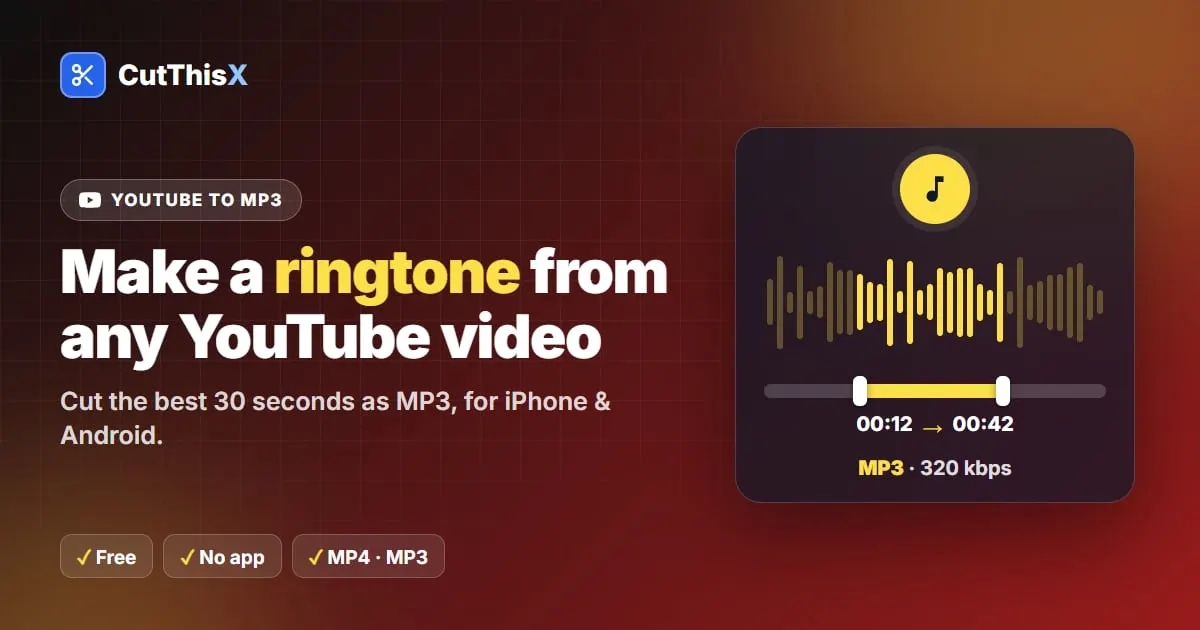
A ringtone is usually 20 to 30 seconds long. Here is how to cut exactly that from a YouTube video, and set it on your phone.
1. Cut the part as MP3
- Copy the YouTube link (Share → Copy link).
- Paste it in the YouTube to MP3 cutter.
- Play the video and press Set Start Here where the ringtone should begin. The WhatsApp (30s) preset then selects the next 30 seconds; adjust the end if needed.
- Choose MP3 Audio (320k) and download.
The MP3 is cut to the exact second, so it starts right where you want, without silence or a half word.
2a. Set it on Android
- Open Settings → Sound & vibration → Phone ringtone.
- Tap + or Add ringtone and pick the MP3 from your Downloads folder.
The wording varies a little between Samsung, Xiaomi and other brands, but every Android phone accepts MP3 ringtones.
2b. Set it on iPhone
iPhone ringtones must be created with Apple's free GarageBand app:
- Save the MP3 to the Files app (Safari puts downloads there).
- Open GarageBand, create an Audio Recorder project, and import the MP3 with the loop browser (Files tab).
- Trim it to 30 seconds or less if needed.
- Go to My Songs, press and hold the project, then Share → Ringtone → Export.
- Choose Use sound as… → Standard Ringtone.
Tips for a good ringtone
- Start on a strong beat or the first word of the chorus: the first two seconds matter most.
- Keep it short: 20 to 30 seconds is plenty, and smaller files are easier to transfer.
- Want a notification sound instead? Cut 2 to 5 seconds the same way.
Music on YouTube is usually protected by copyright: making a ringtone for your own phone is one thing, sharing the file is another.
Ready to try it?
Open the tool