How to Clip Part of an X (Twitter) Video and Save It as MP4 or MP3
By the CutThisX team··2 min read
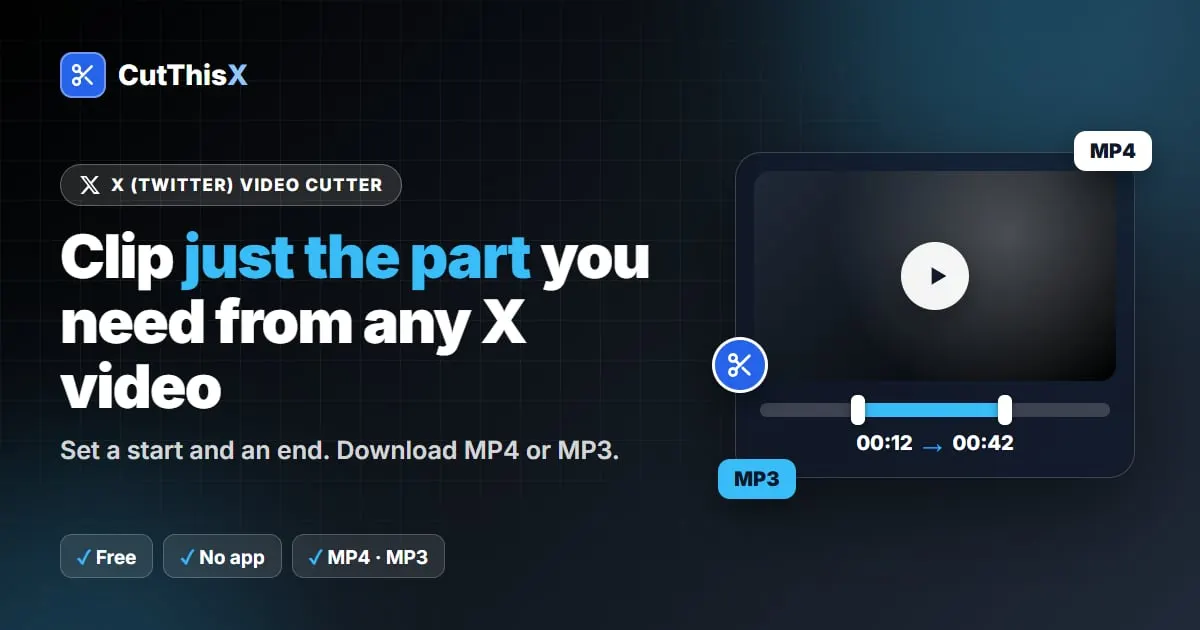
Most of the time you don't need the whole video: just the goal, the quote or the punchline. Downloading everything and trimming it in an editor takes time and storage. Here is how to clip only the part you want from an X (Twitter) video, straight from your browser.
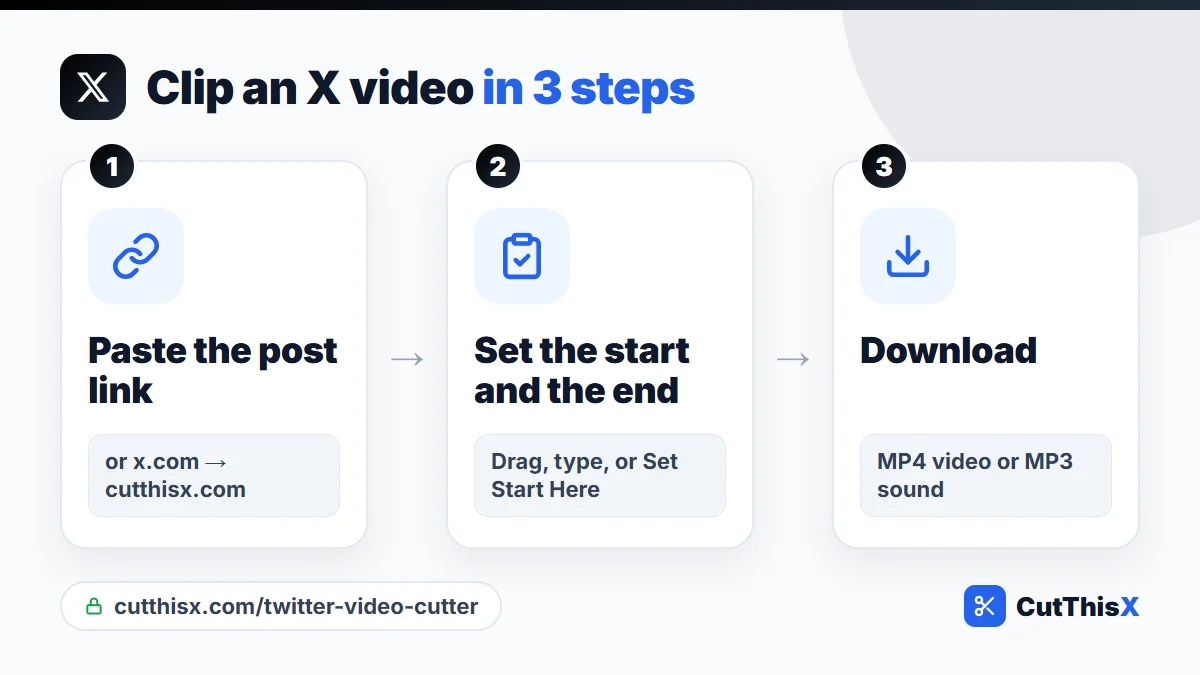
Clip an X video in 4 steps
- On X, open the post and tap Share → Copy link.
- Paste the link in the X video cutter and press Fetch & Trim.
- Set the start and the end of your clip.
- Choose MP4 for video or MP3 for the sound, and download.
Only the part you selected is fetched, so even a clip from a long video is ready in seconds.
Three ways to set the start and the end
- Drag the handles on the timeline: the quickest for a rough cut.
- Type the times (HH:MM:SS): the most precise when you already know the moment.
- Play and press Set Start Here and Set End Here: the easiest way to catch a moment by ear.
Need a short clip for a status? The WhatsApp (30s) preset sets a 30-second clip in one tap.
The fastest shortcut: change the address
When a post is open in your browser, its address looks like x.com/user/status/123. Replace x.com with cutthisx.com and press Enter: the post opens directly in the cutter, without copying anything. It works on phones too.
X video to MP3
Choose MP3 to keep only the sound: a speech, an interview answer, a song. The audio is saved at 320 kbps and cut to the exact seconds you selected.
Why clip instead of downloading everything
- Faster: a 20-second clip is ready long before a 40-minute video would be.
- Smaller: easy to send on WhatsApp or Telegram, or to keep on your phone.
- Ready to share: no editing app needed afterwards.
Sharing a clip
X limits how long uploaded videos can be for most accounts, so a short clip is often the best way to share a highlight. Credit the original account, and link to the original post when you can.
If the video won't load
- Protected account: posts from private accounts can't be clipped.
- Several videos in one post: the first video is used.
- Deleted post: check that it still opens on x.com without being logged in.
Clipping a live broadcast instead? See how to download an X live broadcast. Want the whole video on your phone? See how to download X videos on iPhone and Android.
Please only clip videos you have the right to use.
Ready to try it?
Open the tool