How to Download an X (Twitter) Live Broadcast, During or After the Stream
By the CutThisX team··2 min read
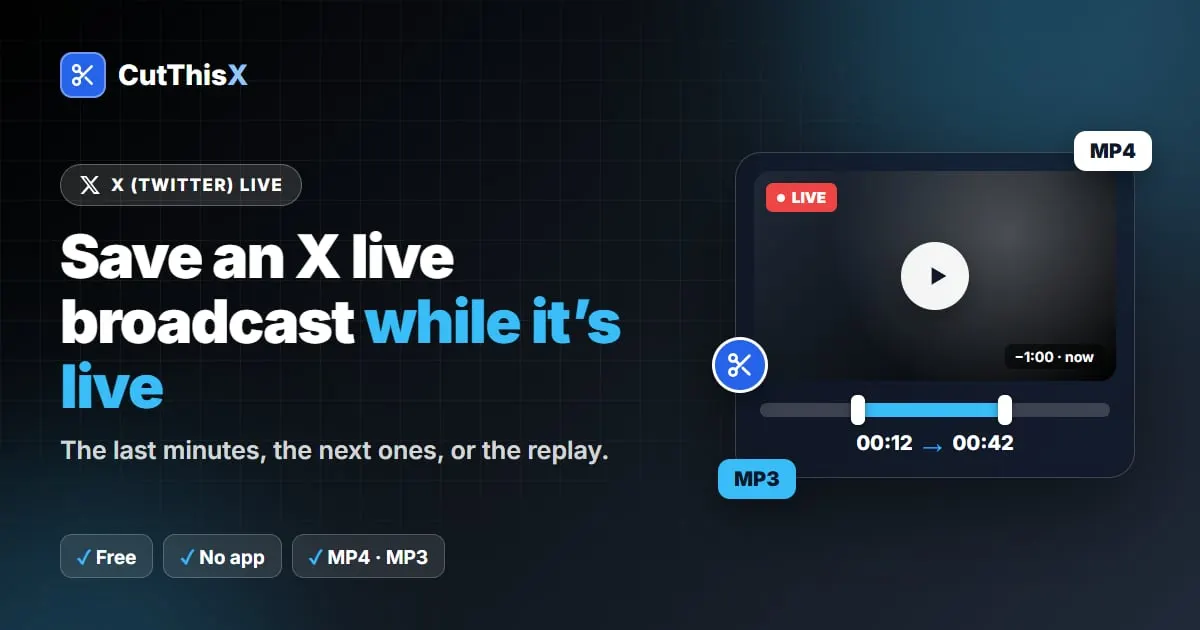
Press conferences, match reactions, product launches, creators going live: some of the most shared moments on X happen in live broadcasts. X has no download button for them, and recording your screen catches notifications and lowers the quality. Here is how to clip a broadcast directly, while it is live or after it ends.
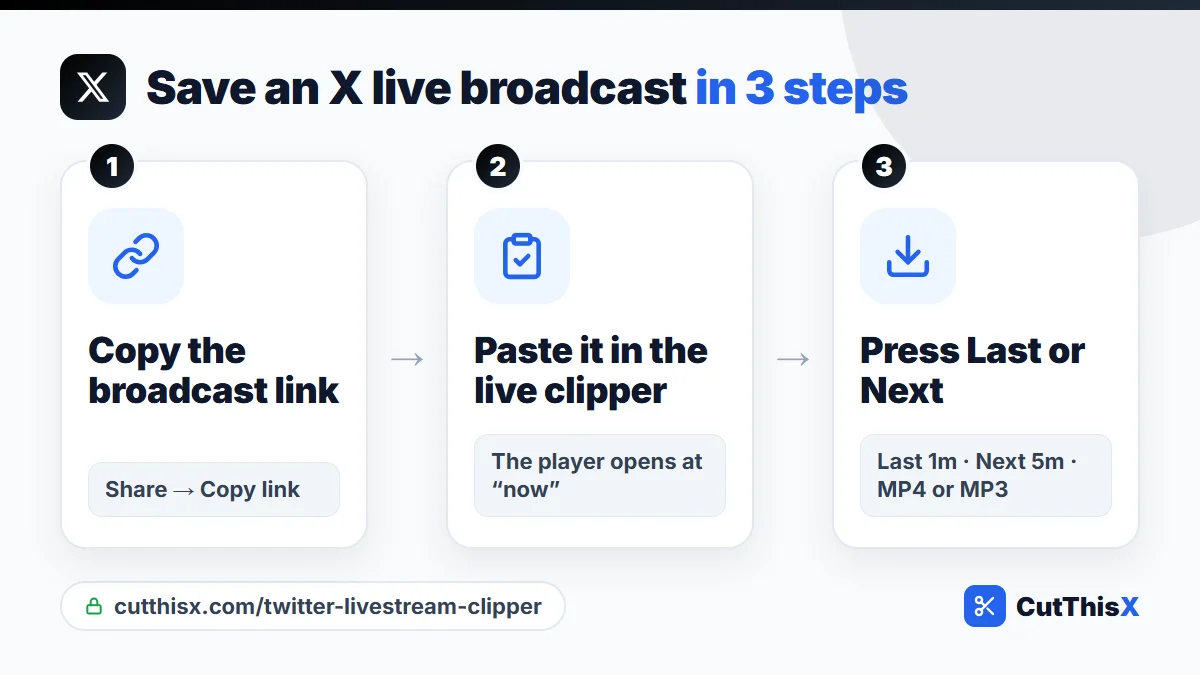
Find the broadcast link
Two kinds of links work:
- The post that shows the live video: tap Share → Copy link (x.com/user/status/…).
- The broadcast page itself: x.com/i/broadcasts/…
While it is live: save what just happened
- Paste the link in the X live broadcast clipper and press Fetch & Trim.
- The live player opens at the current moment. Above the timeline, you see how far back you can rewind.
- Press Last 30s, Last 1m or Last 5m to grab what just aired.
- Download as MP4, or MP3 for the sound only.
While it is live: record what comes next
Expecting something worth keeping, like a speech or the end of a match? Press Next 30s, Next 1m or Next 5m. Keep the page open: the clip is finished and downloads as soon as that moment has aired.
Pick an exact moment
Rewind in the player to where your moment starts and press Set Start Here, then play to where it ends and press Set End Here. You get exactly those seconds, and nothing else of the broadcast is downloaded.
After the broadcast: download the replay
When the host keeps a replay, paste the same link again once the live has ended. The replay behaves like a normal video:
- cut any part of it: only that section is fetched, even from a replay that lasts hours;
- or download the whole replay from the list under Or download the full video.
How far back can you go?
As far as X keeps the broadcast available. The editor shows the rewind window above the timeline, so you know before you choose.
Keep only the audio
Choose MP3 to keep a talk, an interview or a podcast-style live, at 320 kbps.
If it doesn't work
- The broadcast was deleted, or the host did not keep a replay.
- The account is protected: broadcasts from private accounts can't be saved.
- Check that the link opens on x.com without being logged in.
Related guides: download X videos on iPhone and Android and clip part of an X video.
Please only save broadcasts you own or have permission to use, and credit the account when you share a clip.
Ready to try it?
Open the tool