How to Download Facebook Videos and Reels (Phone & PC, With Sound)
By the CutThisX team··2 min read
Facebook's Save video button only bookmarks a video inside Facebook. Nothing lands on your phone, and the video is gone if its owner deletes it. To keep a real MP4 file, here is the quickest way, on any phone or computer.
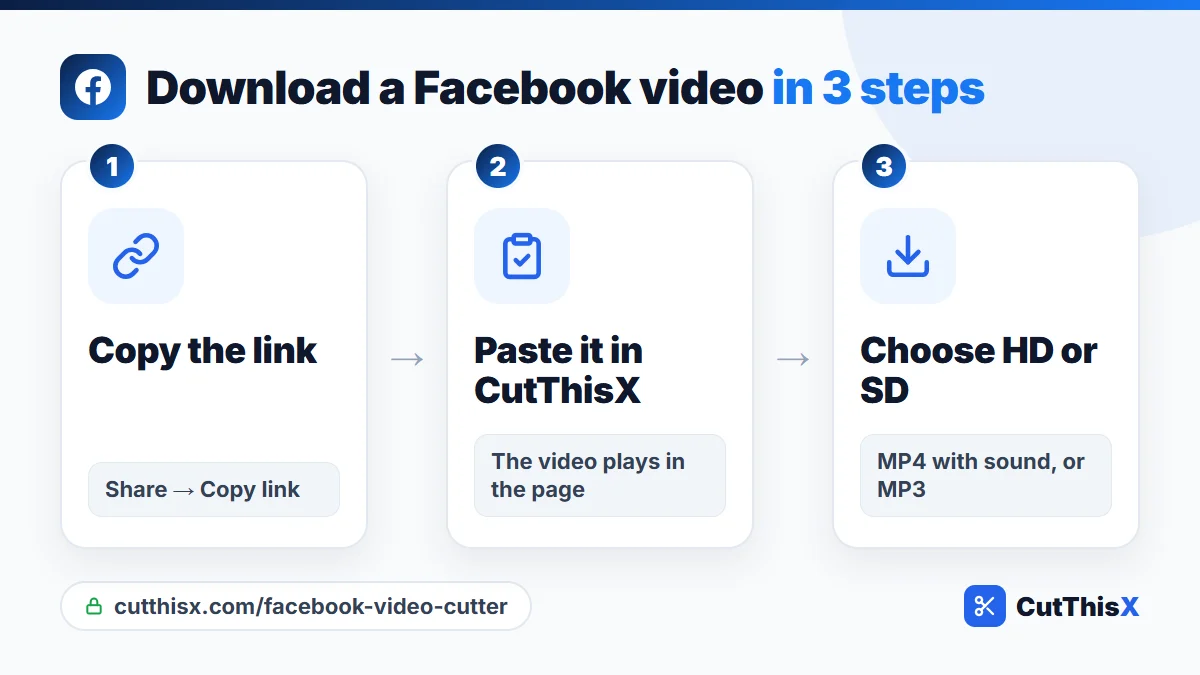
Download a Facebook video in 3 steps
- Copy the link. In the Facebook app, tap Share → Copy link under the video. On a computer, use the three dots on the post → Copy link, or copy the address bar.
- Paste it in the Facebook video downloader and press Fetch & Trim. The video plays in the page so you can check it is the right one.
- Choose a quality under Or download the full video: HD for the sharpest picture, SD for a smaller file on mobile data.
Downloads marked instant start right away. The MP4 contains the picture and the sound together, ready to play anywhere.
Download Facebook Reels
Reels work exactly the same way. In the Reels feed, tap the share arrow → Copy link, then paste it in the downloader. Both kinds of Reel links work:
- facebook.com/reel/…
- facebook.com/share/r/…
Only need a part? Cut it before downloading
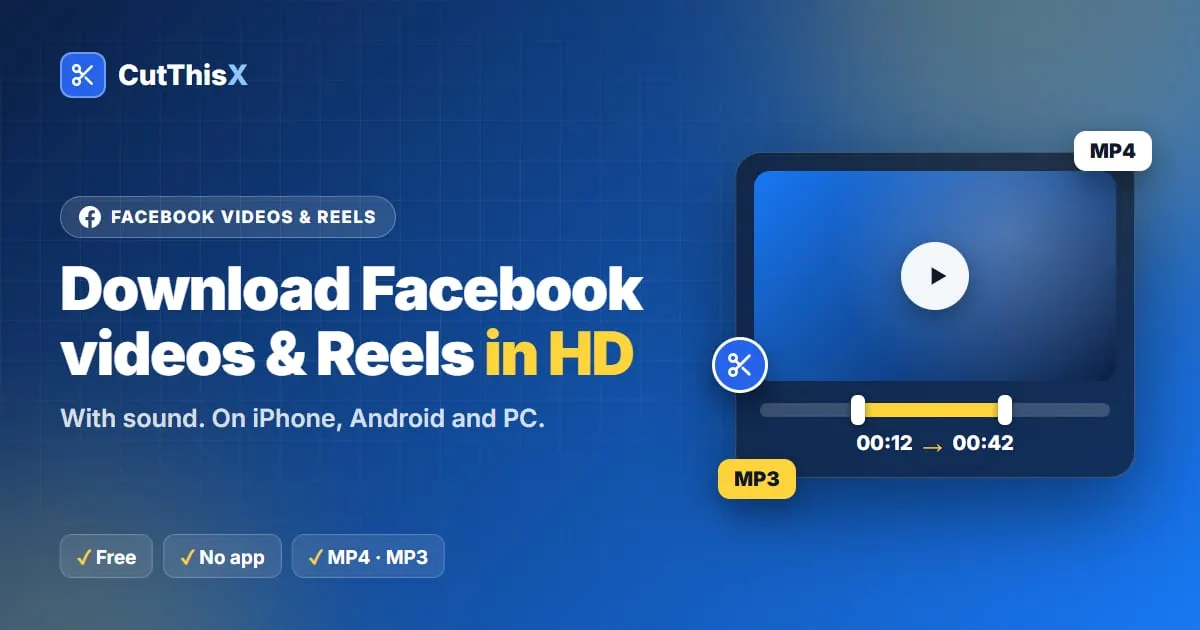
Long videos and live replays can last hours. Instead of downloading the whole file, set a start and an end:
- drag the two handles on the timeline,
- type the exact times,
- or play the video and press Set Start Here and Set End Here.
Only that section is fetched from Facebook, so a two-minute clip from a three-hour replay is ready in seconds.
Where the file goes
- iPhone (Safari): the video is saved in the Files app, in Downloads. Open it and tap Share → Save Video to put it in Photos.
- Android (Chrome): the MP4 goes to Downloads and shows up in your gallery.
- Computer: it is in your Downloads folder.
Keep only the sound as MP3
Choose MP3 before downloading to keep the audio of a sermon, a talk, a recipe explanation or a song, at 320 kbps. It works for the whole video or only the part you selected.
Links that work
- facebook.com/watch/?v=… and facebook.com/…/videos/…
- Reels: facebook.com/reel/… and facebook.com/share/r/…
- Shared videos: facebook.com/share/v/…
- Short links: fb.watch/…
Why a video can't be downloaded
- It is not public. Videos in private groups, or shared with friends only, are not accessible. Quick test: open the link in a private browser window. If it plays without logging in, it can be downloaded.
- It is restricted. Age-restricted or region-restricted videos may not work.
- The post has no video, or the video was deleted.
Live videos
A video that is still live works differently: Facebook keeps almost no rewind. See how to save a Facebook live video or go straight to the Facebook live clipper.
Please only download videos you own or have permission to use, and credit the creator when you share.
Ready to try it?
Open the tool