How to Download Only Part of a YouTube Video (Free, No Software)
By the CutThisX team··2 min read
Long podcasts, lectures, live replays, match highlights: most of the time you only need a few minutes of a YouTube video. Downloading the whole file and cutting it afterwards wastes time, data and storage. Here is how to get only the part you want.
The quick way
- Open the video on YouTube and copy its link. In the app: Share → Copy link.
- Go to the YouTube video cutter and paste the link.
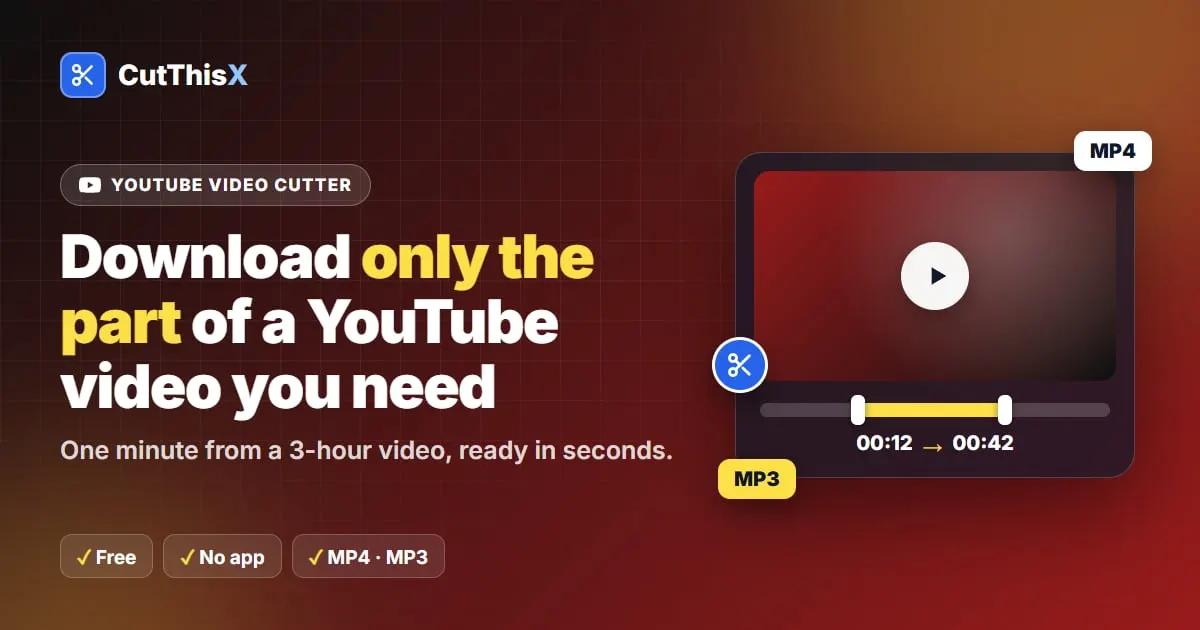
- Set the start and the end of your clip:
- drag the two handles on the timeline,
- or type exact times (HH:MM:SS),
- or play the video and press Set Start Here and Set End Here at the right moments.
- Choose MP4 for video or MP3 for audio, and download.
Only the section you selected is fetched from YouTube. That is why a one-minute clip from a three-hour stream is ready in seconds instead of minutes.
Start from a timestamp
If someone sent you a link that starts at a precise moment (it ends with something like &t=151s), paste it as it is. The cutter opens at that moment, so you only need to choose where the clip ends.
Which links work
- Normal videos: youtube.com/watch?v=… and youtu.be/…
- YouTube Shorts: youtube.com/shorts/…
- Live streams and their replays: youtube.com/live/… or a channel's /live page
For lives, see how to clip a YouTube live stream while it is still on air. The same works for other sites: you can also cut part of a Facebook video straight from its link.
On a phone
Everything works in the phone's browser. Copy the link in the YouTube app, open CutThisX in Chrome or Safari, paste, choose your part and download. On Android, the MP4 lands in Downloads; on iPhone, in the Files app (Downloads folder), from where you can save it to Photos.
MP4 or MP3?
- MP4 keeps picture and sound. The file uses H.264, which every phone, computer and editing app opens.
- MP3 keeps only the sound, at 320 kbps and cut to the exact second. Ideal for a song, a quote or a podcast segment, or for making a ringtone.
Very long videos
If you need the entire video, use Or download the full video under the cutter. For very long videos the site may ask you to pick a part instead: choose the section you actually need, which is faster anyway.
Respect the creator
Only download videos you made, or that you have permission to use. If you share a clip, credit the channel and link to the original video.
Ready to try it?
Open the tool